
Yes. Claude can connect to several tools for maps and location data, and they do different jobs. Some build maps. Some run spatial queries on a data warehouse. Some look up places and routes. BigGeo AI is in the Claude connector directory, and it gives Claude governed location data plus spatial analysis you can ask for in plain English.
Claude is built on language. Ask it about a real place and it answers from what it learned in training, which can sound right and still be wrong. We call that Spatial Blindness: AI that knows what a thing is but not where it is. A connector fixes that by giving Claude live data to work from.
Key takeaways
- Connectors for location work fall into four types: map building, warehouse spatial SQL, places and routing tools, and governed data with analysis.
- BigGeo AI is the governed data kind. You add it from the Claude connector directory, sign in to BigGeo, and approve.
- Access follows your own permissions, and answers come back as aggregates only.
- The same connector works in ChatGPT and other MCP clients.
What kinds of Claude connector exist for location work?
There are four main kinds, and the right one depends on the job. Spatial data is any data tied to a place on Earth: an address, a delivery route, a store's trade area, a flood zone.
- Map building: A map tool where you draw and share maps; Make a map to publish or share; Felt
- Warehouse spatial SQL: Spatial tables in your own cloud data warehouse; Run spatial queries on data you already store; CARTO
- Places and routing: Place search, address lookup and directions; Look up an address or a travel time inside an app; Google Maps Platform, Mapbox
- Governed data and analysis: Licensed, AI-ready datasets, with analysis done in the platform; Ask location questions on shared data with permissions and limits; BigGeo AI
There are also open source MCP servers for desktop GIS tools such as QGIS. They suit people who already live in that software. None of these types is better than the others. They answer different questions.
How do I add BigGeo AI to Claude?
It takes a few minutes and you only do it once.
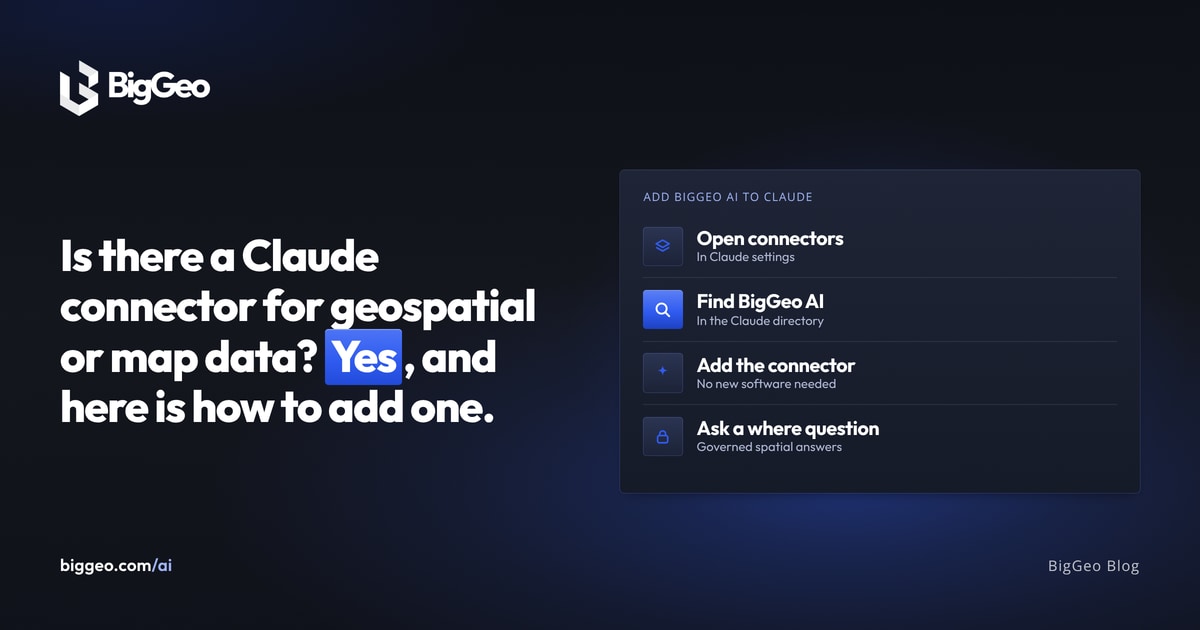
- In Claude, open Settings, then Connectors, and find BigGeo AI in the connector directory.
- Click Connect. Sign in to BigGeo and approve the connection.
- Start a new chat, click the plus icon, choose Connectors, and switch on BigGeo.
- Ask a question.
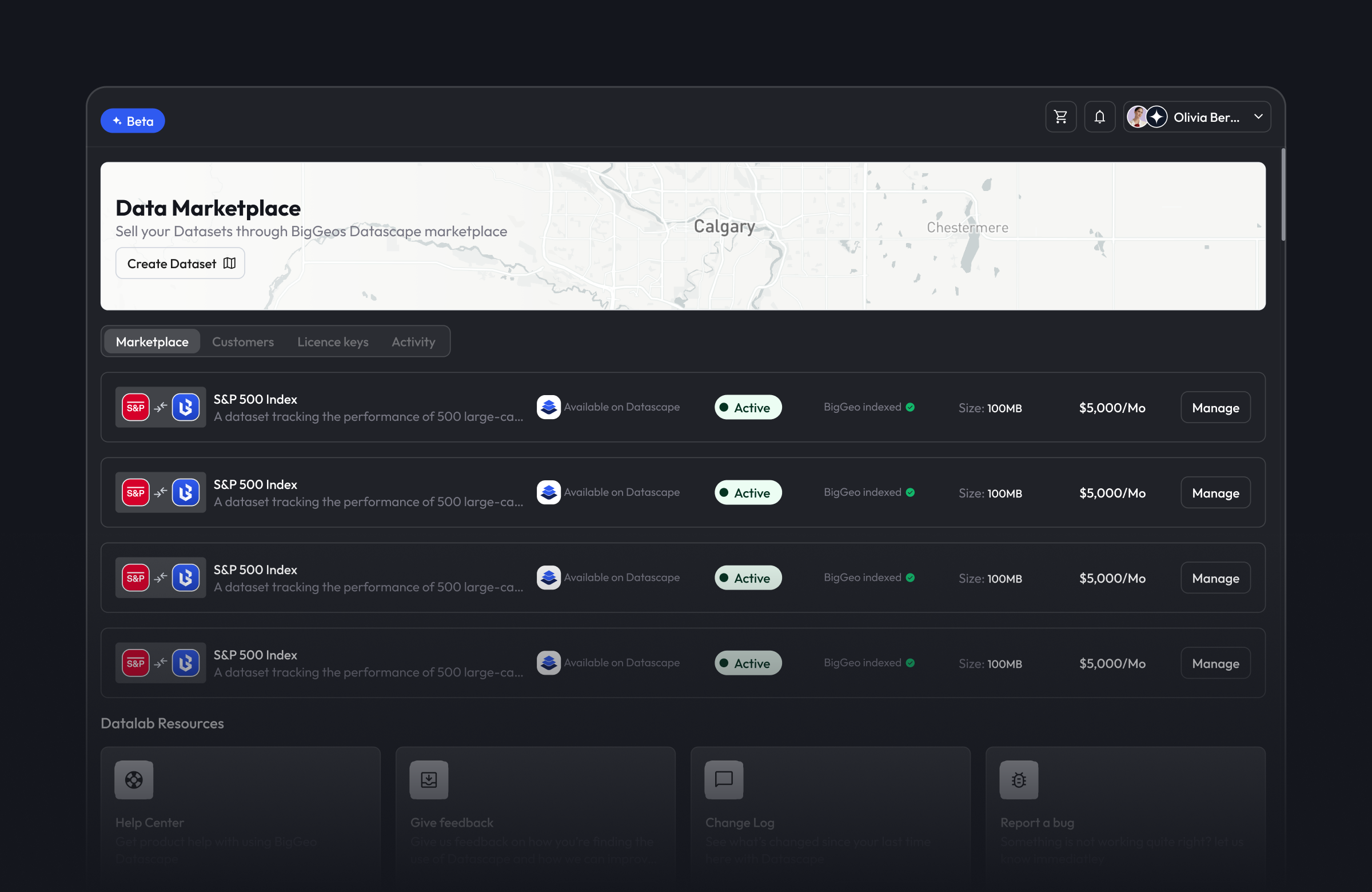
One thing to check first: a dataset must have BigGeo AI switched on as an activation before Claude can use it. That applies to data you add yourself and data you buy on the Marketplace.
What can Claude do with it?
Claude can find the AI-ready data your organization can use, look up places, and run spatial analysis for you. That means questions about what is near what, and how much of something sits in an area. Questions you could try:
- "List my available datasets."
- "Find hospitals near Central Park, New York."
- "How many hospitals are there in New York City?"
- "Which of my stores has the most growth potential?"
How is it governed?
Claude sees only what you are allowed to see. BigGeo checks permissions for each person, inside your organization. If a data owner has excluded Anthropic as an AI provider, that data is not visible to Claude. Answers are aggregates only. Counts of one to four are hidden, so a small group cannot be picked out.
This is why we call it the governed option. It suits teams that want Claude answers on shared data without handing out the raw files.
Does it work outside Claude?
Yes. The same connection works from ChatGPT and other MCP clients. MCP is the standard way AI assistants connect to outside tools. Agents can connect with an organization API key. An assistant can also browse Marketplace listings without signing in, which helps when you are still deciding what data to buy.
Which connector should you pick?
Pick by the job. Use a map builder to make and share a map. Use a warehouse connector to query tables you already own. Use a places API to look up one address in an app. Use BigGeo AI when the question needs shared, permissioned data and an answer you can trust.
FAQ
Is there an official BigGeo connector for Claude? Yes. BigGeo AI is in the Claude connector directory.
Do I need GIS skills? No. You ask in plain language, the way you would ask a colleague.
Does it cost anything? New accounts start with free credits, and more are available as you need them.
Does it work with ChatGPT? Yes, with the same sign-in and the same permissions.
Does my data leave BigGeo? No. Answers are computed inside The Spatial Cloud, and the underlying data stays there.
Try BigGeo AI for free in Claude: find it in the connector directory, or start at biggeo.com/products/biggeo-ai.
.png)